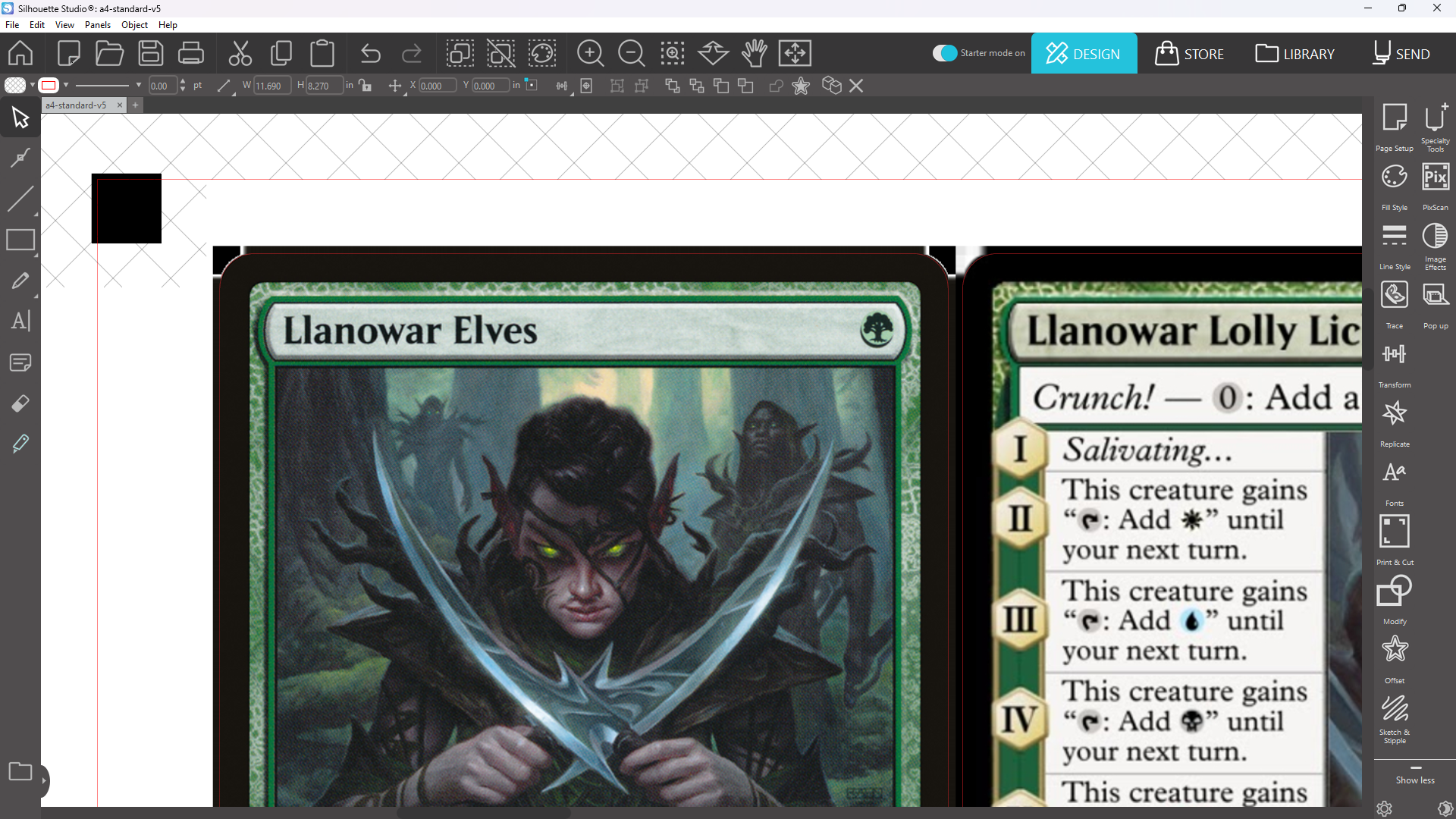
Verify Templates
Verify Templates
If you wanted to manually verify the alignment of the PDF against the cutting template, here’s how you’d do it.
Instructions
Create a PDF using your desired options and the --output_images option, which will generate images instead of a PDF.
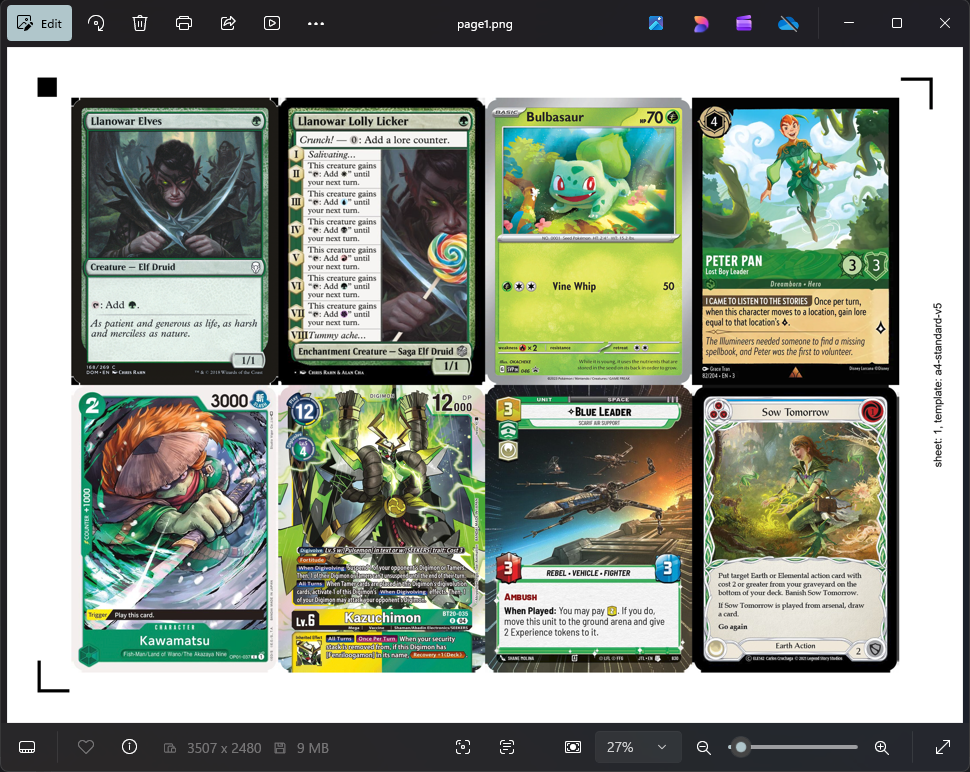
python create_pdf.py --output_imagesThe result are images named page1.png, page2.png, etc. They are 300 PPI so they can be imported easily into Silhouette Studio.
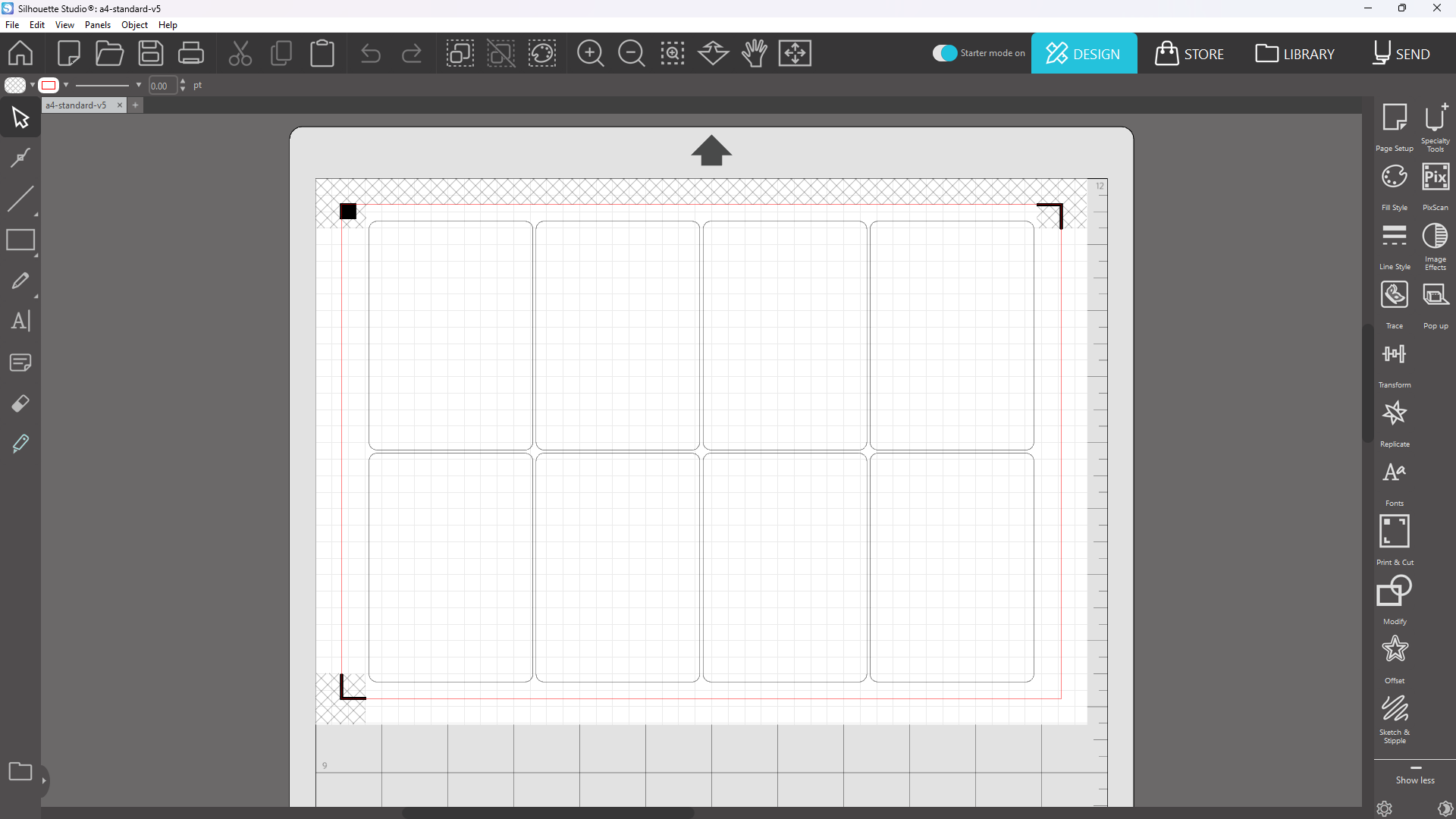
Open the appropriate cutting template in Silhouette Studio.
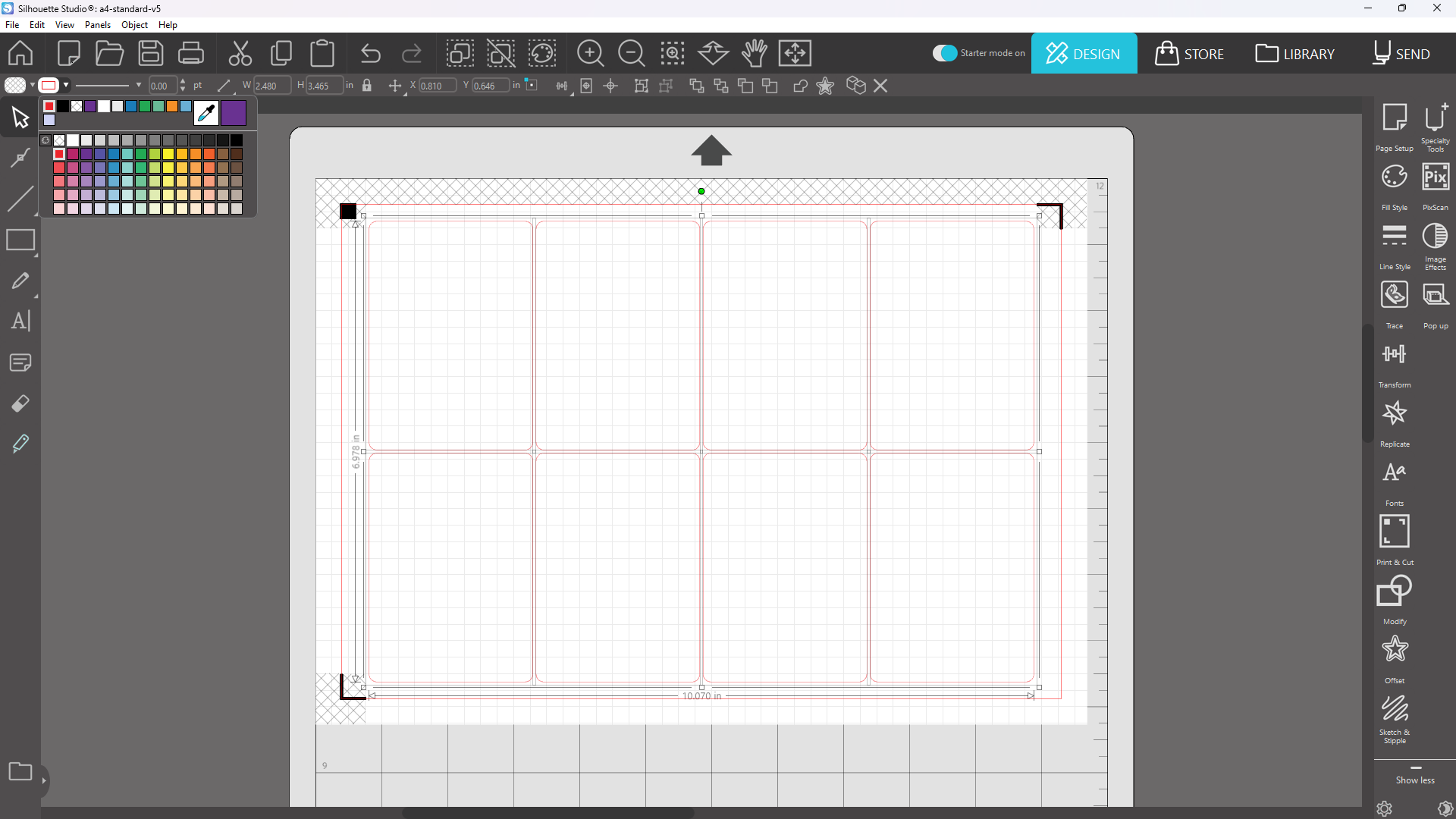
Select the cutting paths and change the color to something that is easier to see.
From your file manager (Finder or File Explorer), drag the image into Silhouette Studio.
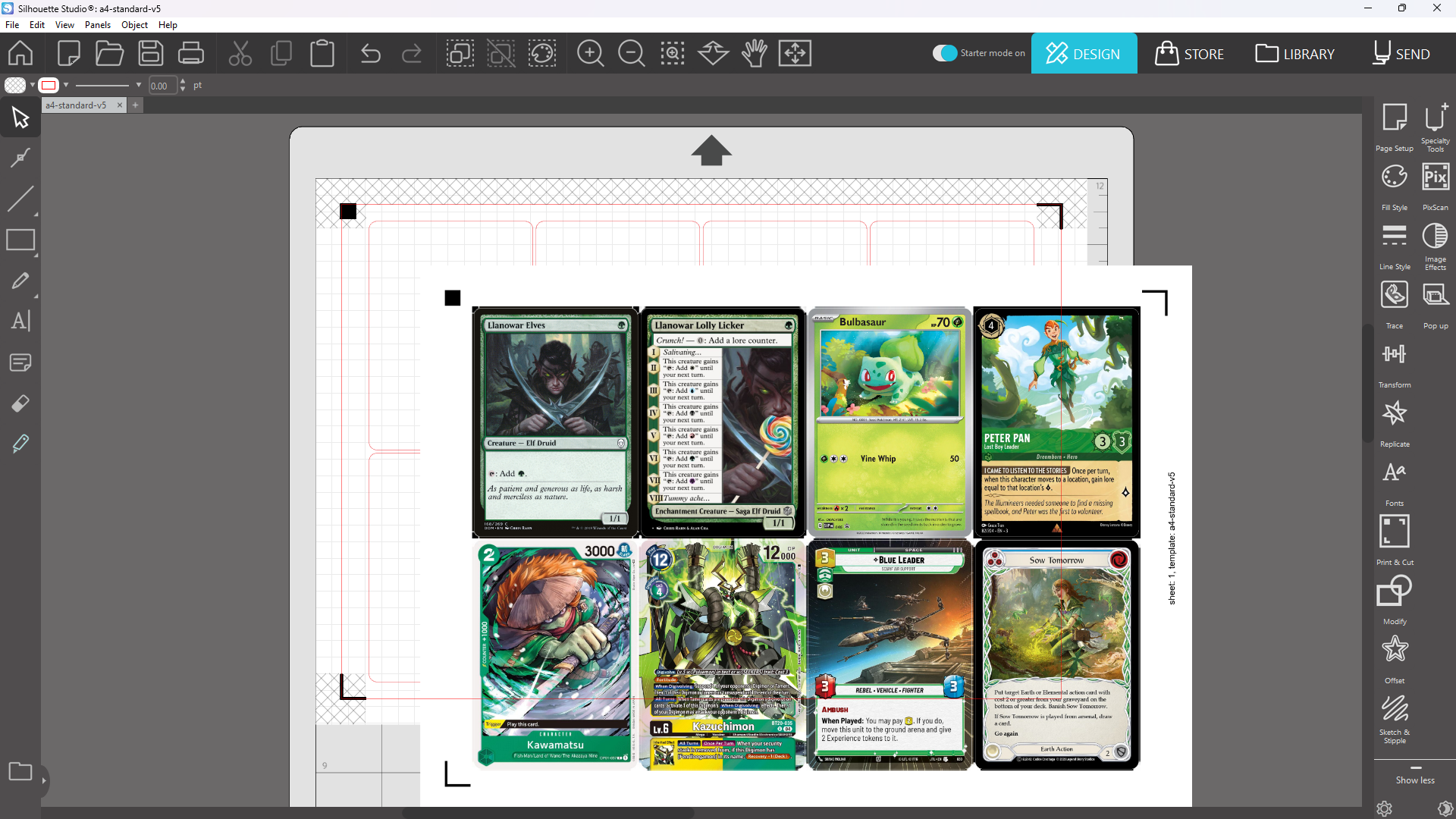
Send the image to the back so the image does not cover the cutting paths.
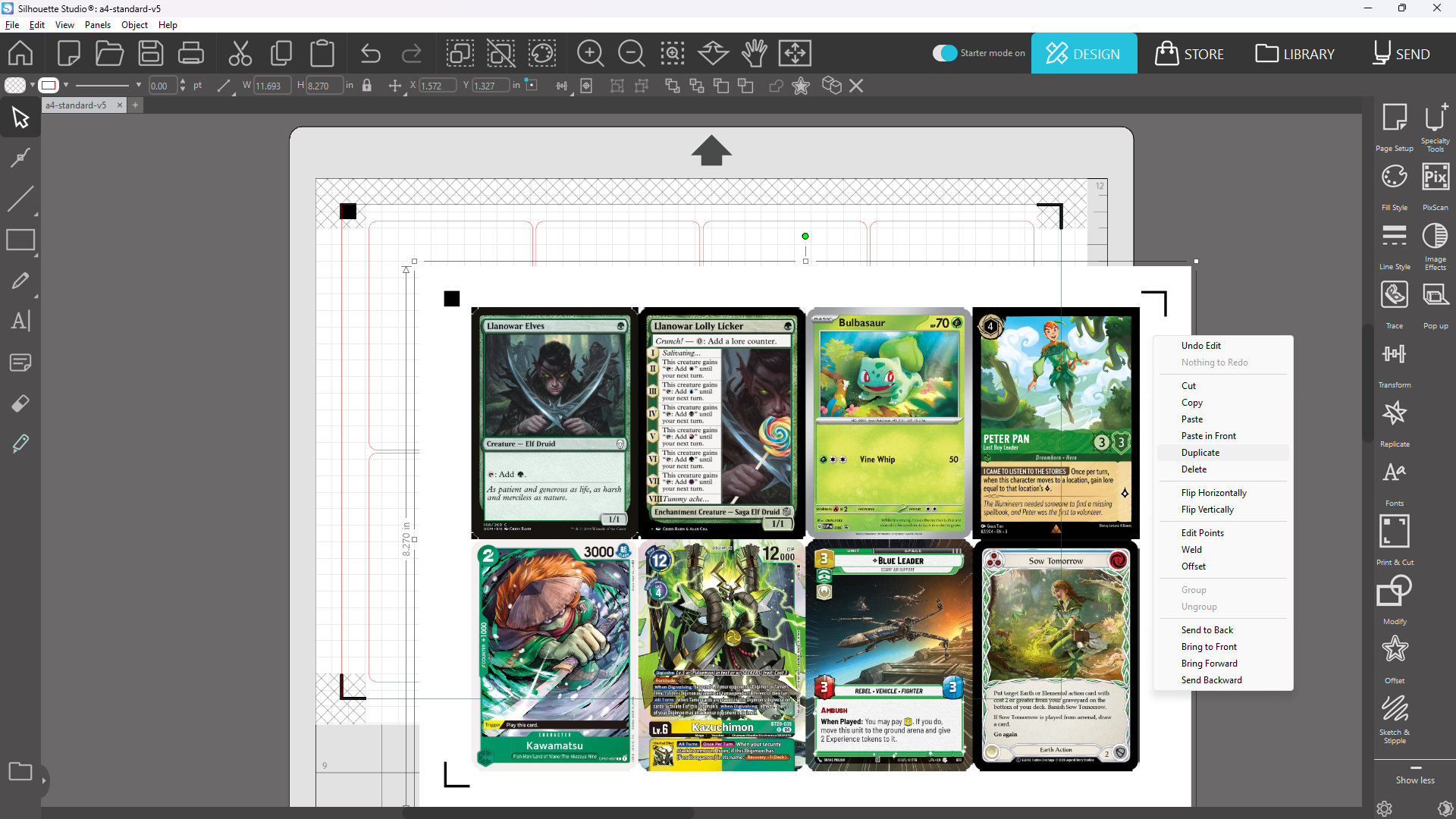
Center the image using the Center to Page button.
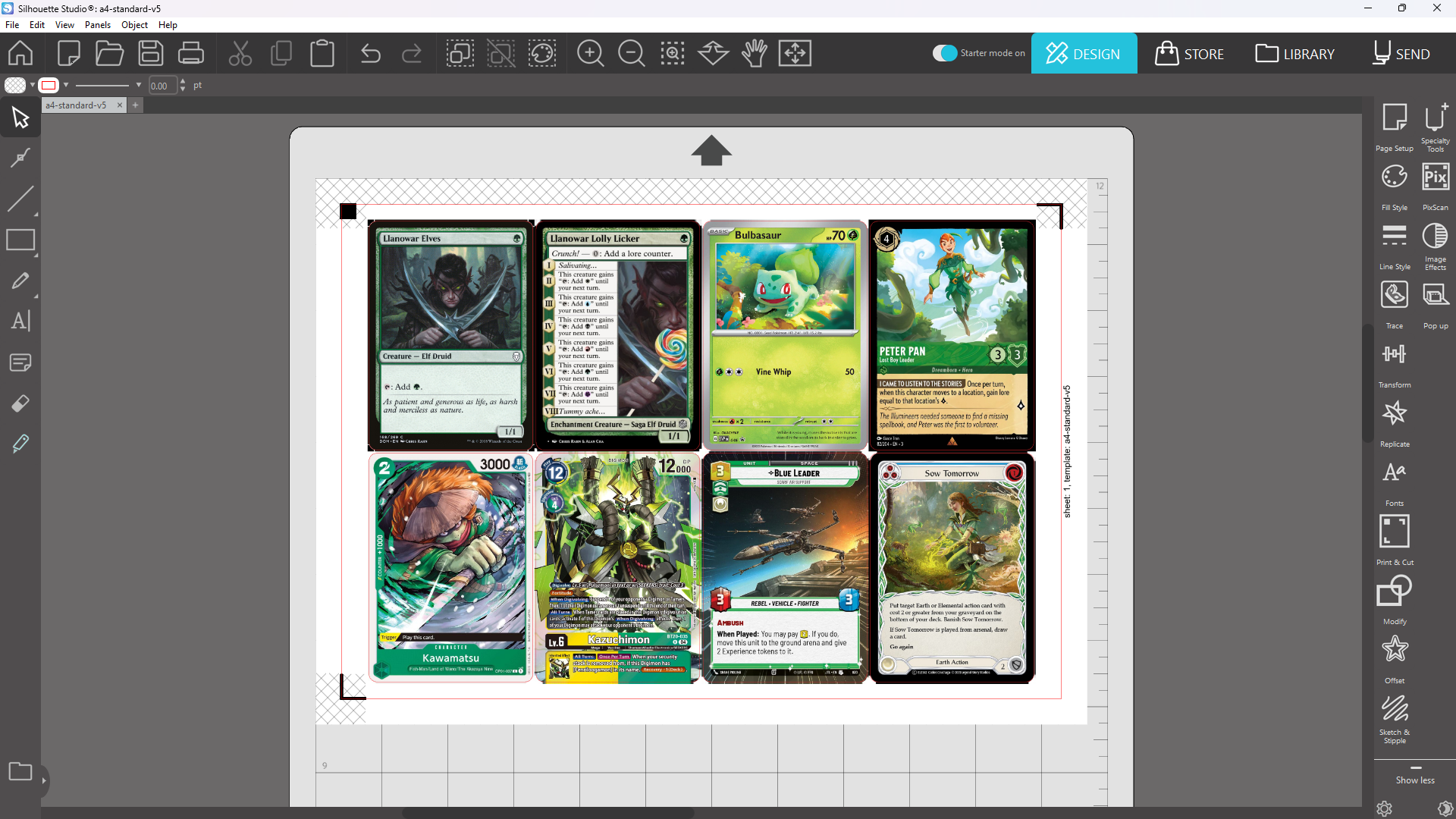
Manually verify the alignment.